Turn images into cinematic AI videos
Animate your portraits, product shots, artwork, and Styleloop creations with natural motion, camera movement, and creative AI video models.
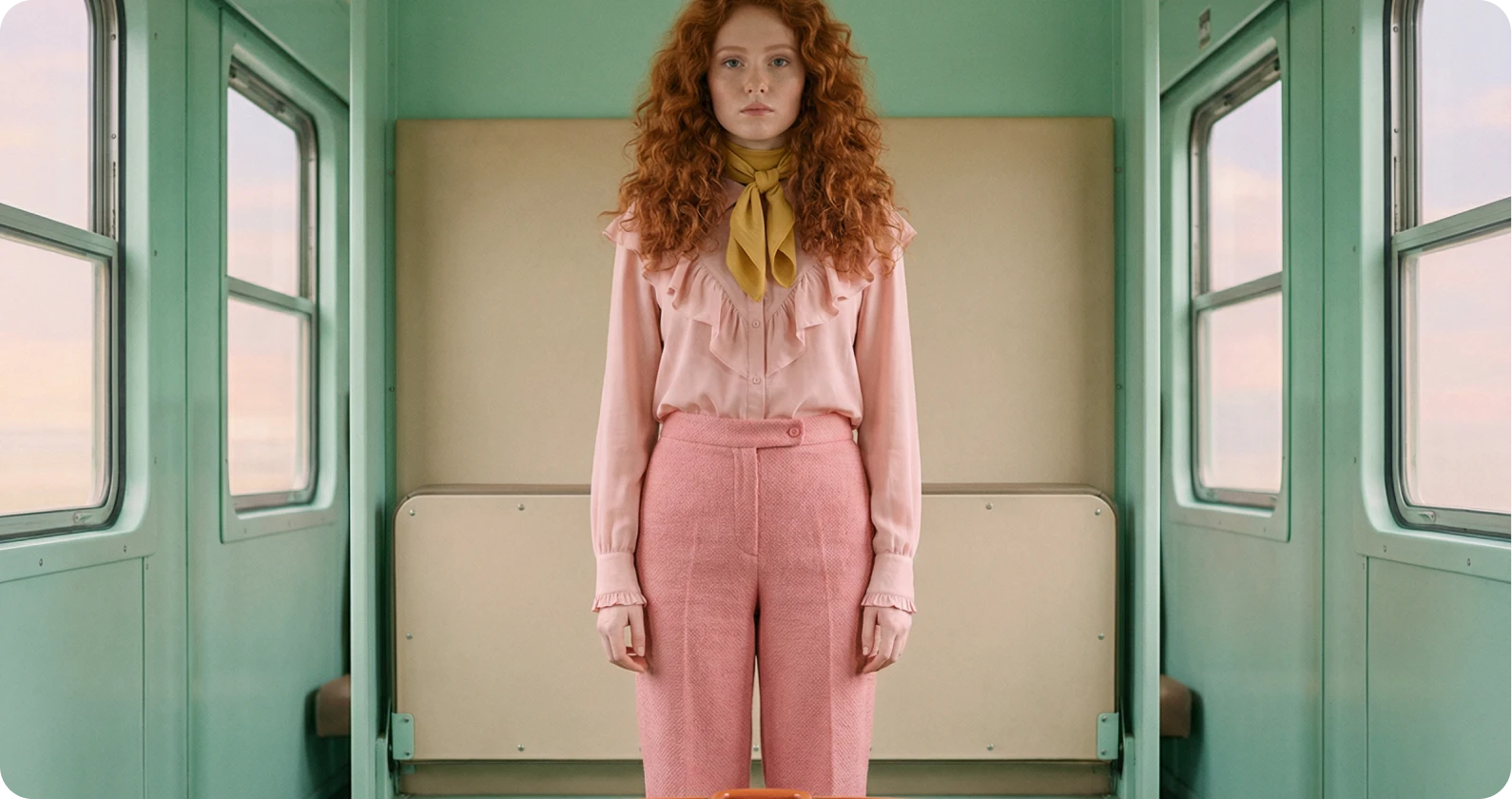
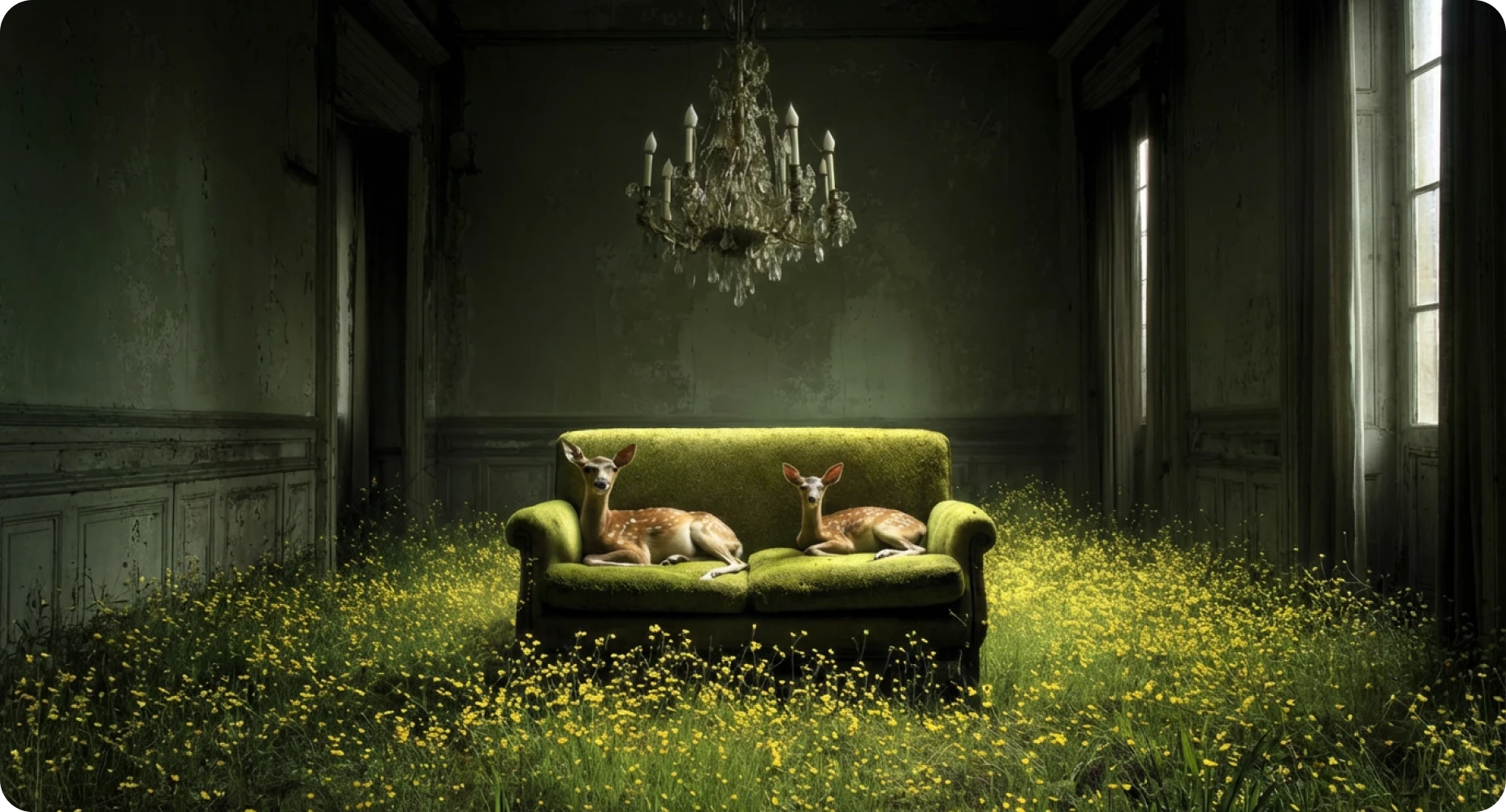
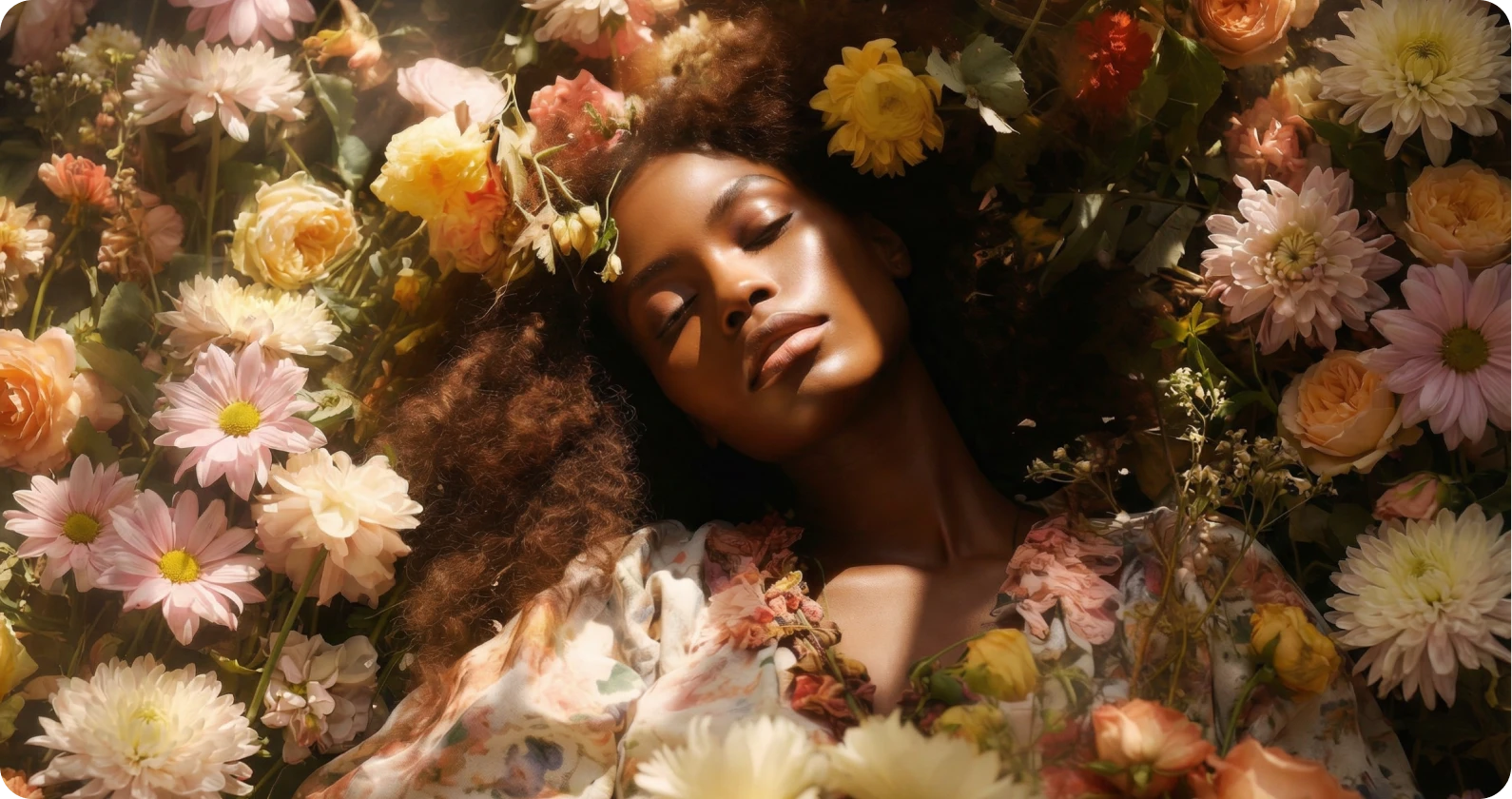
Prompt-controlled motion
Subtle camera push, soft movement, cinematic lighting.
AI video models
Choose a model for your next video
Start with Seedance today, then use this page as the home for upcoming Styleloop video model guides.
Seedance
Create smooth image-to-video clips with natural motion, cinematic camera moves, and flexible creative direction.
Kling
A high-motion video model for expressive scenes, product shots, and social clips.
Veo
A cinematic video model planned for realistic motion and polished video concepts.
Sora
A future model guide for creators exploring advanced prompt-to-video workflows.
Grok Imagine
A fast preview-oriented model planned for quick visual experiments and drafts.
How it works
Create AI videos from images in three steps
Keep the workflow simple: start with an image, guide the motion, then download or save the result.
Upload or create an image
Use a Styleloop generation, portrait, product image, or visual reference as your first frame.
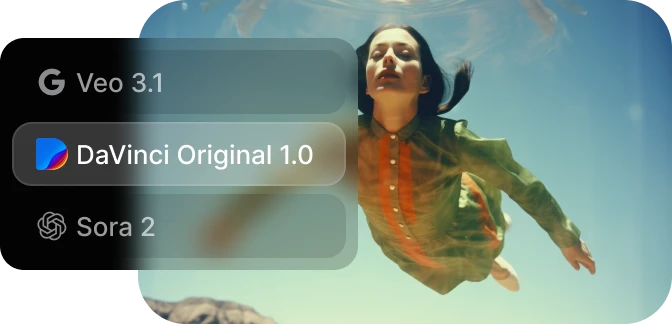
Describe the motion
Add camera movement, subject action, pacing, atmosphere, and style direction.
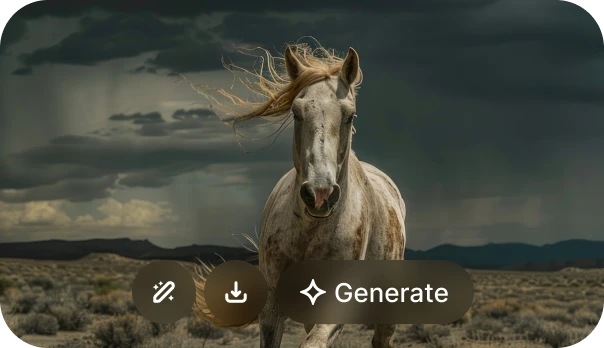
Generate and download
Create the clip, review the output, and keep building from your gallery.
Creative toolkit
Built for fast visual experiments
Styleloop keeps the video workflow close to image creation, so creators can move from a still image to a shareable clip without a heavy editing setup.
Image to video
Start from a Styleloop image or upload a reference, then bring it to life with motion.
Motion prompts
Describe camera movement, subject action, atmosphere, and pacing in plain language.
Creative styles
Use stylized portraits, artwork, product images, and scenes as the starting frame.
Credit-based generation
Keep video creation flexible with credits instead of committing to a heavy workflow.
Use cases
Make short videos from the images you already create
Use AI video generation for social clips, campaign concepts, animated artwork, and stylized personal media.
FAQ
AI video generator questions
A quick overview of how Styleloop is approaching AI video generation.
What is an AI video generator?
An AI video generator creates short video clips from text prompts, images, or both. Styleloop focuses first on turning images into cinematic motion.
Can I turn an image into a video?
Yes. Styleloop is designed around image-to-video creation, so you can animate generated artwork, portraits, product shots, and other visual references.
Which AI video model does Styleloop support?
Seedance is the first model highlighted on this page. Additional model pages for Kling, Veo, Sora, and Grok Imagine are planned as the video toolkit expands.
Is Styleloop free to try?
Styleloop uses a credit-based system. You can start with credits, test image generation, and use credits for supported video workflows.
Can I use generated videos commercially?
Paid Styleloop users can use generated outputs for personal and commercial projects, subject to the terms of service and the rights for uploaded content.
Start creating AI videos with Styleloop
Turn a single image into a short, cinematic clip. Start with Seedance today and explore more video models as Styleloop grows.
Start Creating