Seedance 2.0 AI Video Generator
Create cinematic sequences from text, images, video references, and audio cues. Use Seedance 2.0 to direct complex shots, refine footage, and keep motion consistent inside one creative workflow.
Seedance 2.0
Cinematic multimodal video generation
Why creators choose it
Multimodal control for cinematic videos
Seedance 2.0 gives creators more structure around references, motion, continuity, and sound without turning the process into a heavy editing setup.
Advanced multimodal control
Guide Seedance 2.0 with prompts, image references, video clips, and audio cues so every shot starts with clearer creative direction.
Seamless cinematic motion
Create smooth tracking shots, polished transitions, and multi-shot scenes while preserving a consistent visual style.
Auto-synced audio creation
Bring motion and sound together with effects and music that follow the rhythm, timing, and mood of the generated scene.
Flexible video refinement
Extend footage, adjust scene details, swap subjects, and keep building from the last frame without restarting the entire idea.
How it works
Create with Seedance 2.0 in three steps
Start with a model, define the creative inputs, then refine the output until the sequence is ready to use.
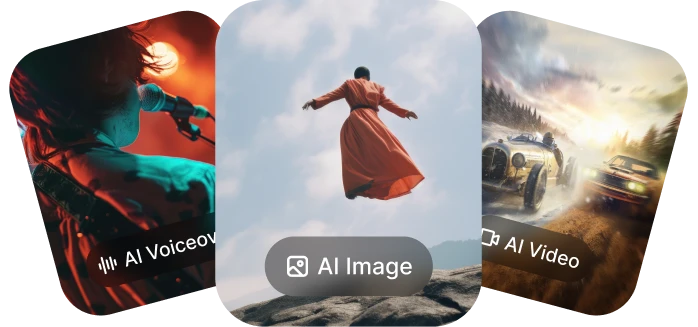
Start with Seedance 2.0
Open the Styleloop video generator and choose Seedance 2.0 for a cinematic AI video workflow.
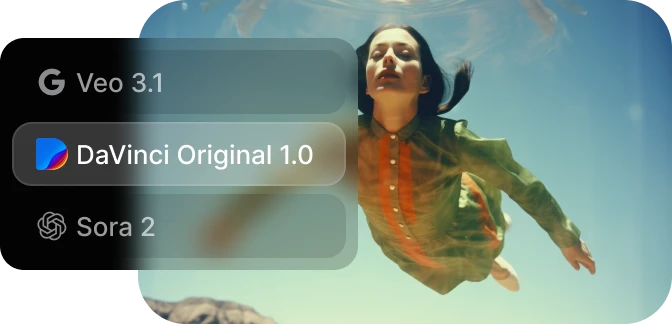
Add references or write a prompt
Combine text direction with images, video samples, or audio cues to define the opening frame, movement, and mood.
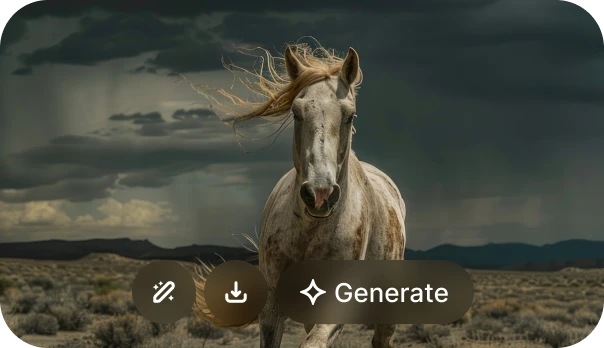
Generate, refine, and download
Review the clip, continue the scene when needed, and save the finished video for your campaign or creative project.
Built for
Structured control across real creative workflows
Use Seedance 2.0 when the project needs more than a quick clip: consistent style, planned camera movement, and reliable continuity.
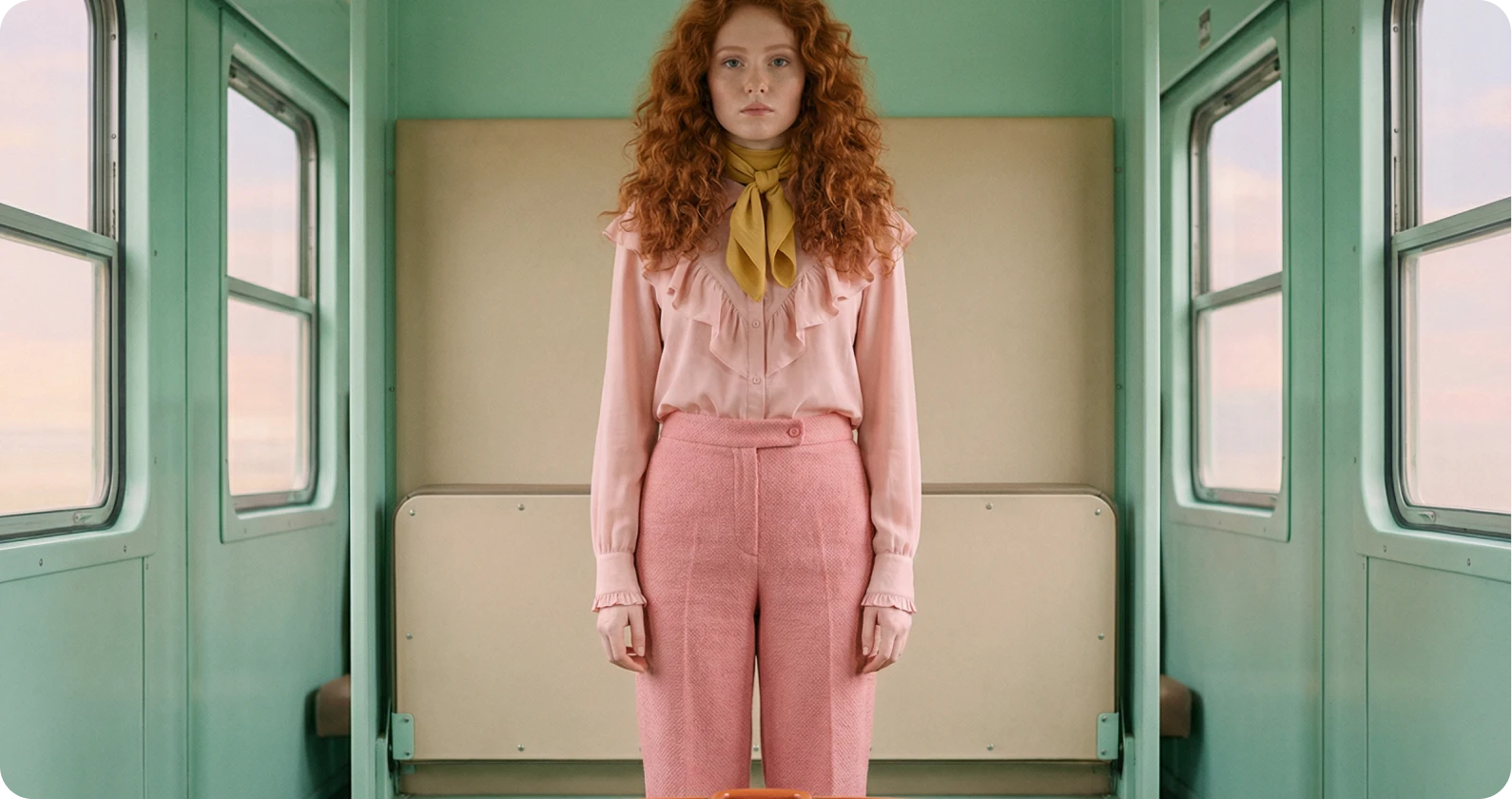
Content creators and marketers
Produce on-brand short videos, product motion concepts, ads, and social content with consistent visuals and synced audio.
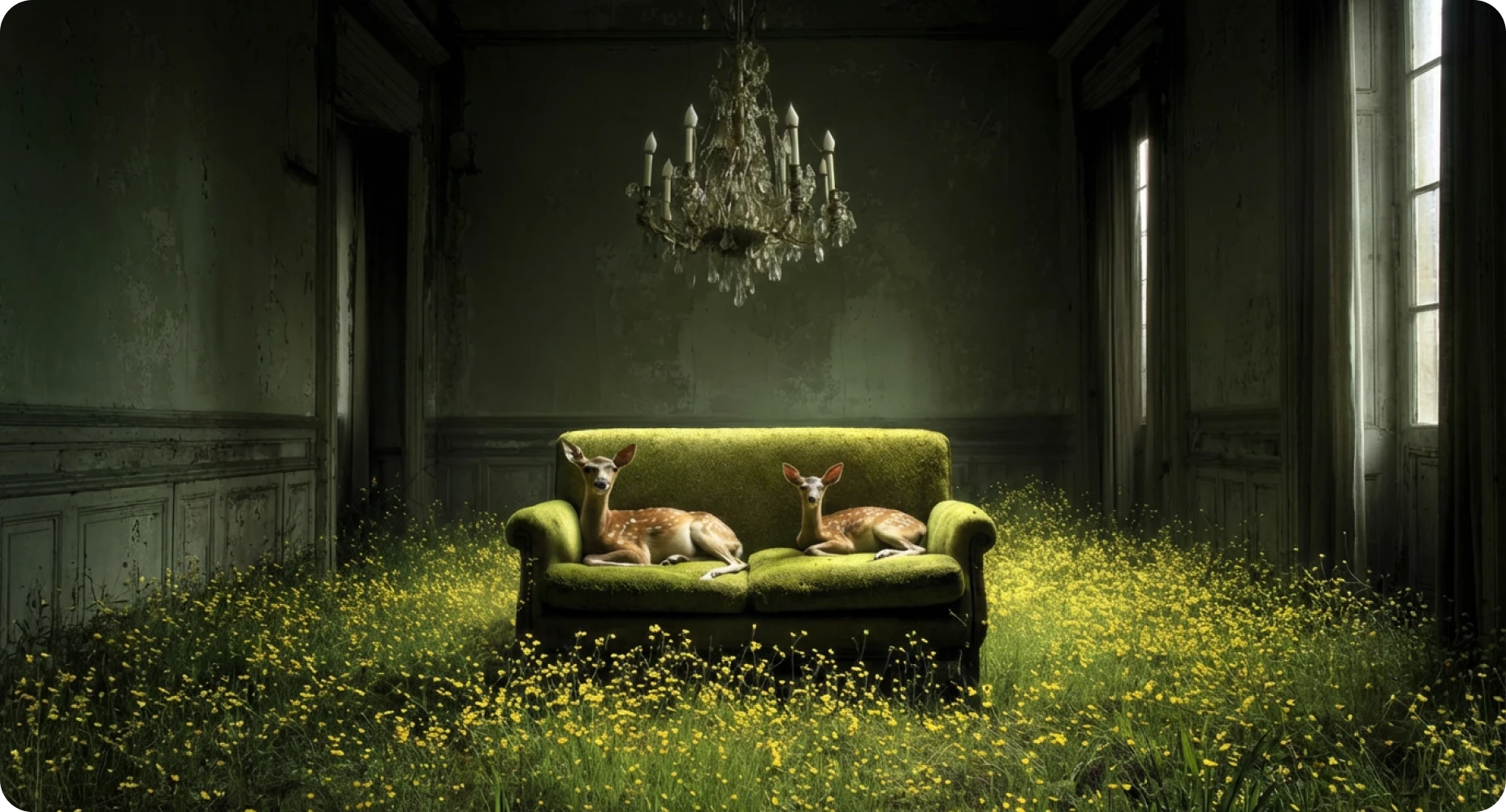
Filmmakers and video editors
Draft cinematic previs, concept scenes, and multi-shot ideas with controlled camera movement and stable characters.
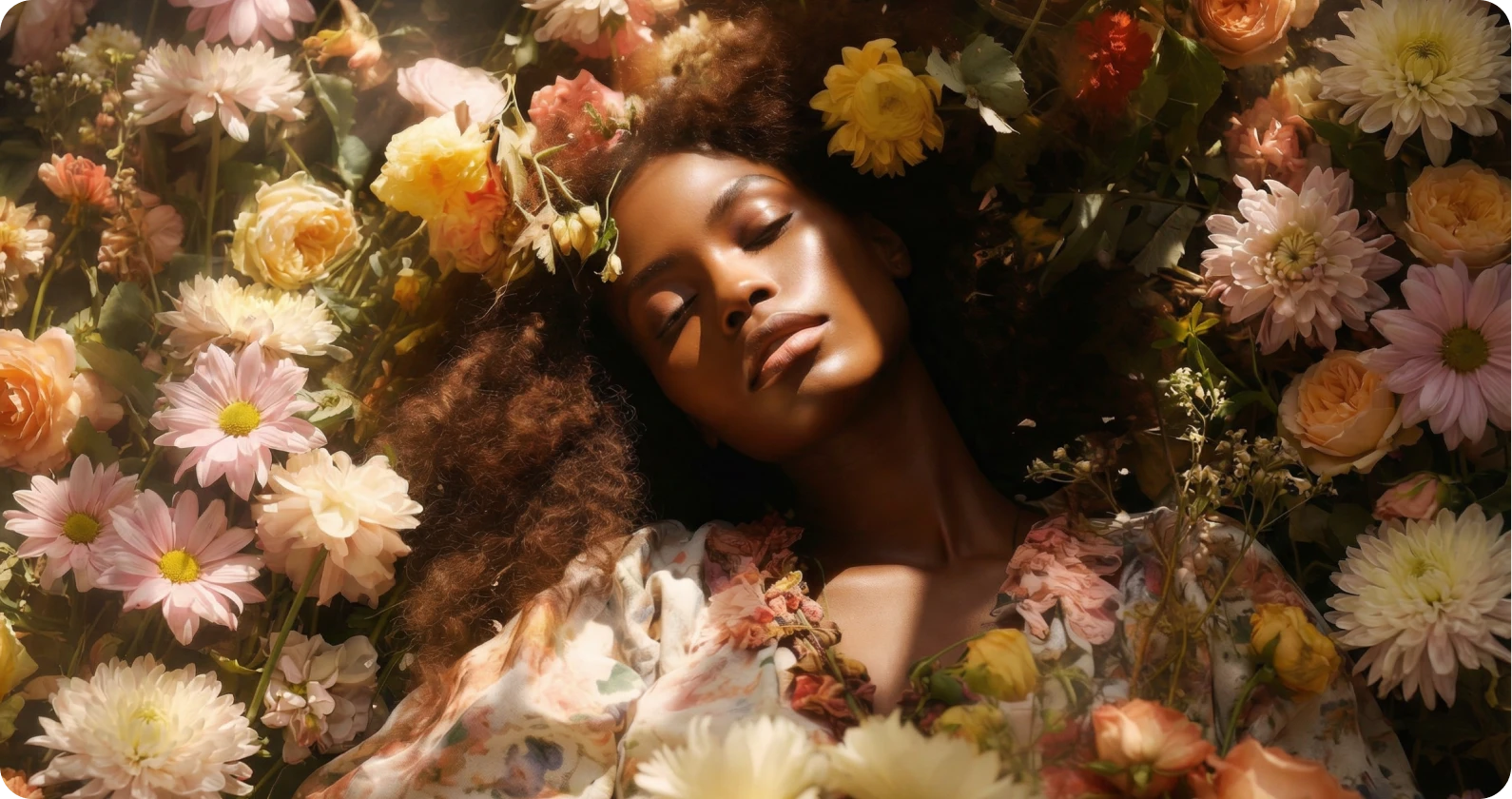
Design and animation teams
Explore motion studies, storyboard clips, visual styles, and reference videos before committing to production.
Available on Styleloop
Bring references, motion, and sound into one video flow
Explore Seedance 2.0 for multimodal content aligned with your creative vision, from campaign clips to cinematic concept scenes.
AI capabilities
Seedance 2.0 features for video direction
Core controls for creators who need precision across references, scenes, motion, and audio.
Universal reference tags
Use structured image, video, and audio references to specify key frames, movement, music cues, and style direction.
Multimodal generation modes
Move between text-to-video, image-to-video, video-to-video, and audio-guided creation as your idea develops.
Seamless scene extensions
Continue a shot naturally while maintaining characters, environments, pacing, and cinematic continuity.
Audio-visual synchronization
Generate videos where sound effects and music feel aligned with the visible action and timing.
FAQ
Seedance 2.0 questions
A short overview of how Seedance 2.0 fits into Styleloop video generation.
What is Seedance 2.0?
Seedance 2.0 is a ByteDance AI video model focused on cinematic generation, multimodal references, consistent motion, and structured creative control.
Can Seedance 2.0 create video from images?
Yes. Seedance 2.0 supports image-to-video workflows, so you can start with a still image and direct camera movement, action, and atmosphere.
Does Seedance 2.0 support audio cues?
Seedance 2.0 is designed around multimodal inputs, including audio guidance for sound effects, rhythm, and music-aligned motion.
Who should use this model?
It is useful for creators, marketers, filmmakers, editors, and design teams that need controlled video drafts with strong visual continuity.
Create cinematic videos with Seedance 2.0
Turn prompts, reference images, clips, and audio cues into polished AI video sequences with a workflow built for creative iteration.
Try Seedance 2.0